Hello there! It’s time for the very first JCP Changelog 🙂 🎉
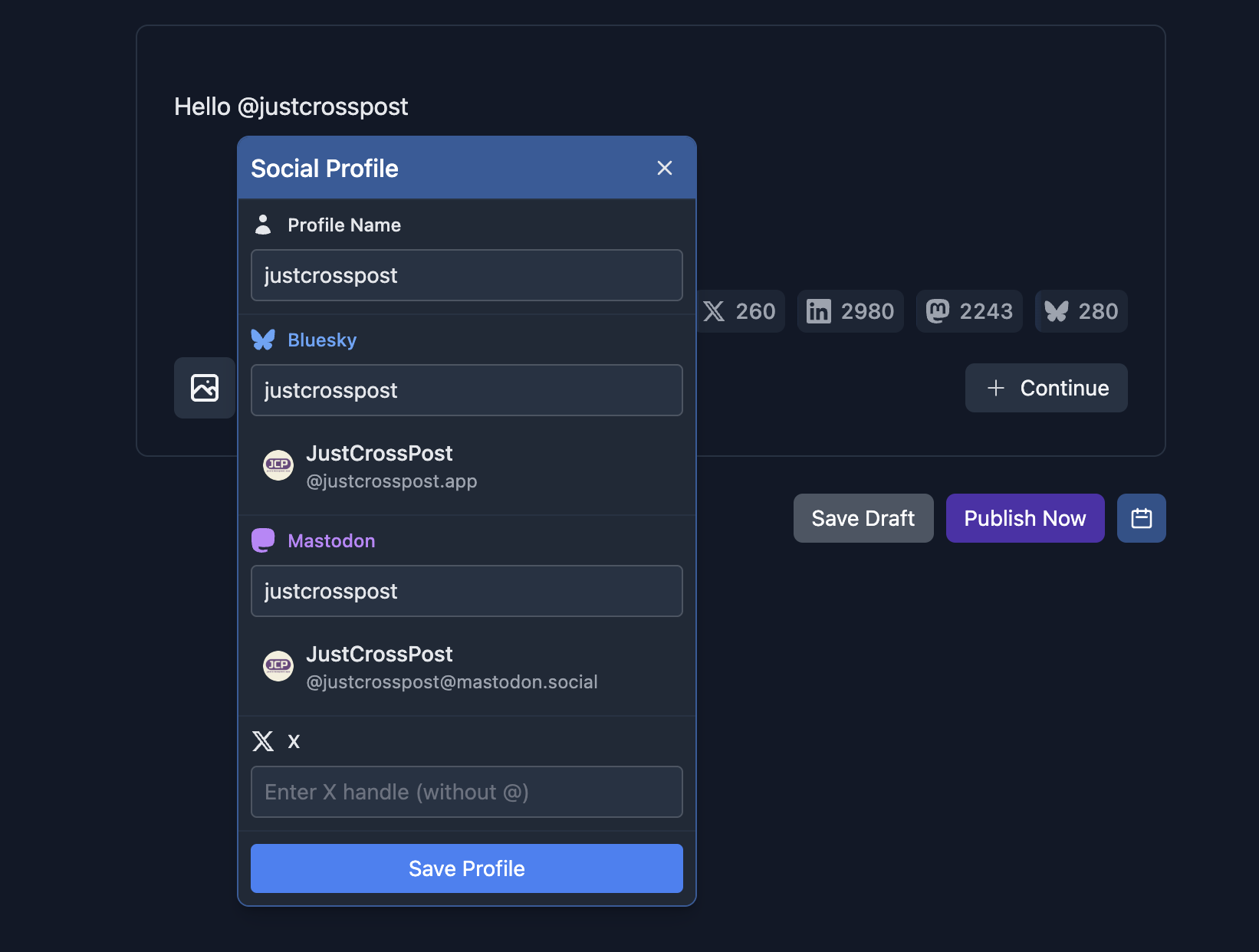
This week a big rework of the Mention UI was released. It’s now possible to create a new cross-network mention, edit it by simply clicking on it, and easily select existing profile that matches what you type after @ sign.
Along with this big improvement a bug was fixed in the char counters that previously would not consider the actual mention text on a per-network basis.
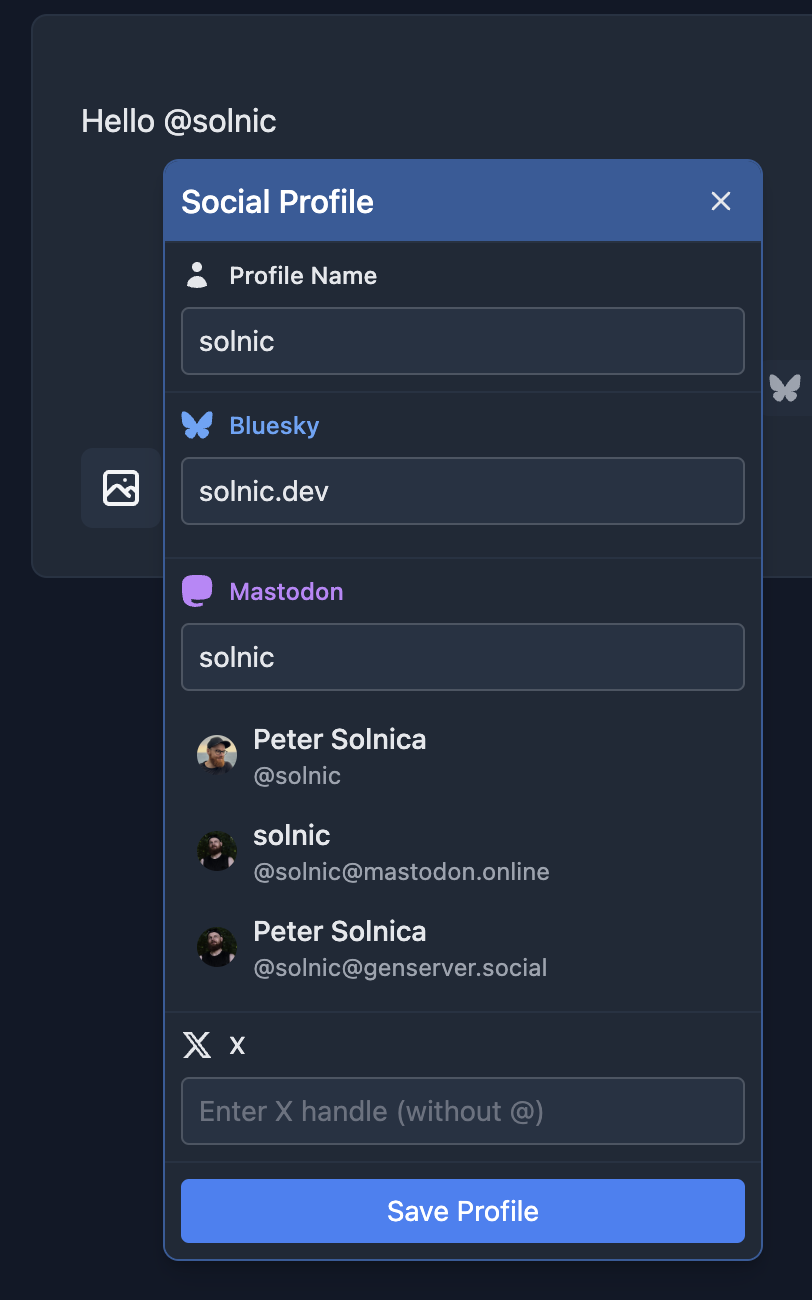
Mastodon handle auto-complete
The Mention UI finally has support for Mastodon auto-complete, look it finds all my profiles:
Note on X auto-complete
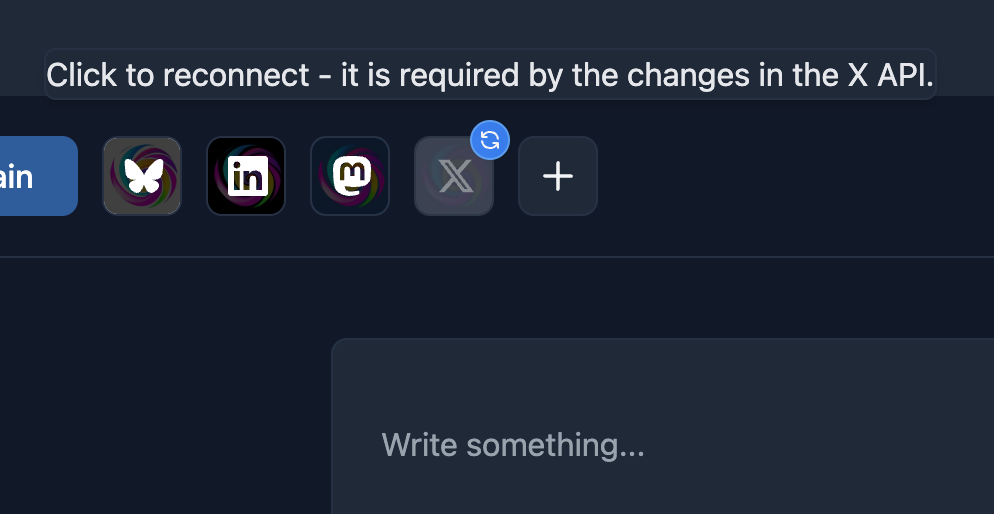
Unfortunately JCP cannot afford yet for paid X API access, and this is required for the X handle auto-complete, that’s why for now you need to provide X handles manually.
Note on LinkedIn support in Mention UI
LinkedIn mentions is a tricky business. JCP has access to the APIs that can be used to create mentions in posts, but it’s a bit of a challenge from the UI point of view. I’ll figure it out eventually though so stay tuned ⏳
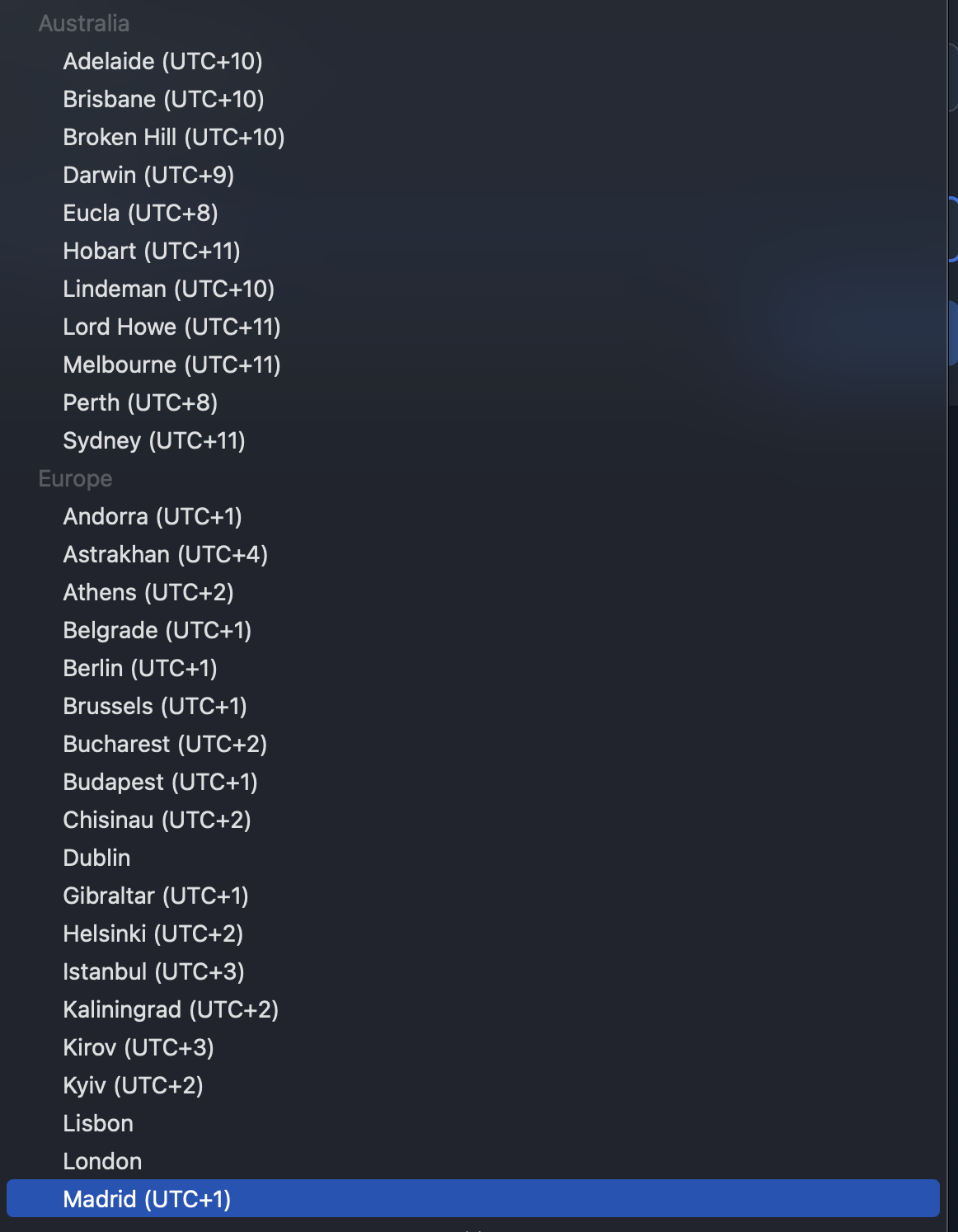
Cleaned up Timezone select
A couple of beta users reported that timezone select included invalid timezones, OOPS! It’s now correct and nicely grouped!
Better image optimization for Bluesky
Bluesky has a strict 1MB image limit. Previously JCP would try to get an optimized version of an image just once, assuming it will do the trick, but sometimes it wouldn’t! Now, we JCP tries to get an optimized image 3 times by gradually tweaking image optimization settings. This should reduce the risk that your image will not get through!
Smaller improvements and bug fixes
When connecting with Bluesky you can now provide your username with @ sign too
When a post fails to be published, there’s a ? icon next to “Failed” status badge that’s supposed to display a user-friendly error message about what went wrong
Various light-mode visual fixes in the workspace settings UI
Thanks for testing out closed beta!
Feedback from you is invaluable - thank you ❤️
I’ll keep working on stability improvements and bug fixes but for the time being - happy cross-posting!